
Consider someone coming to your site with a screen reader or trying to tap a button with one hand on a bumpy bus ride. If your site fights them, they leave and rarely return.
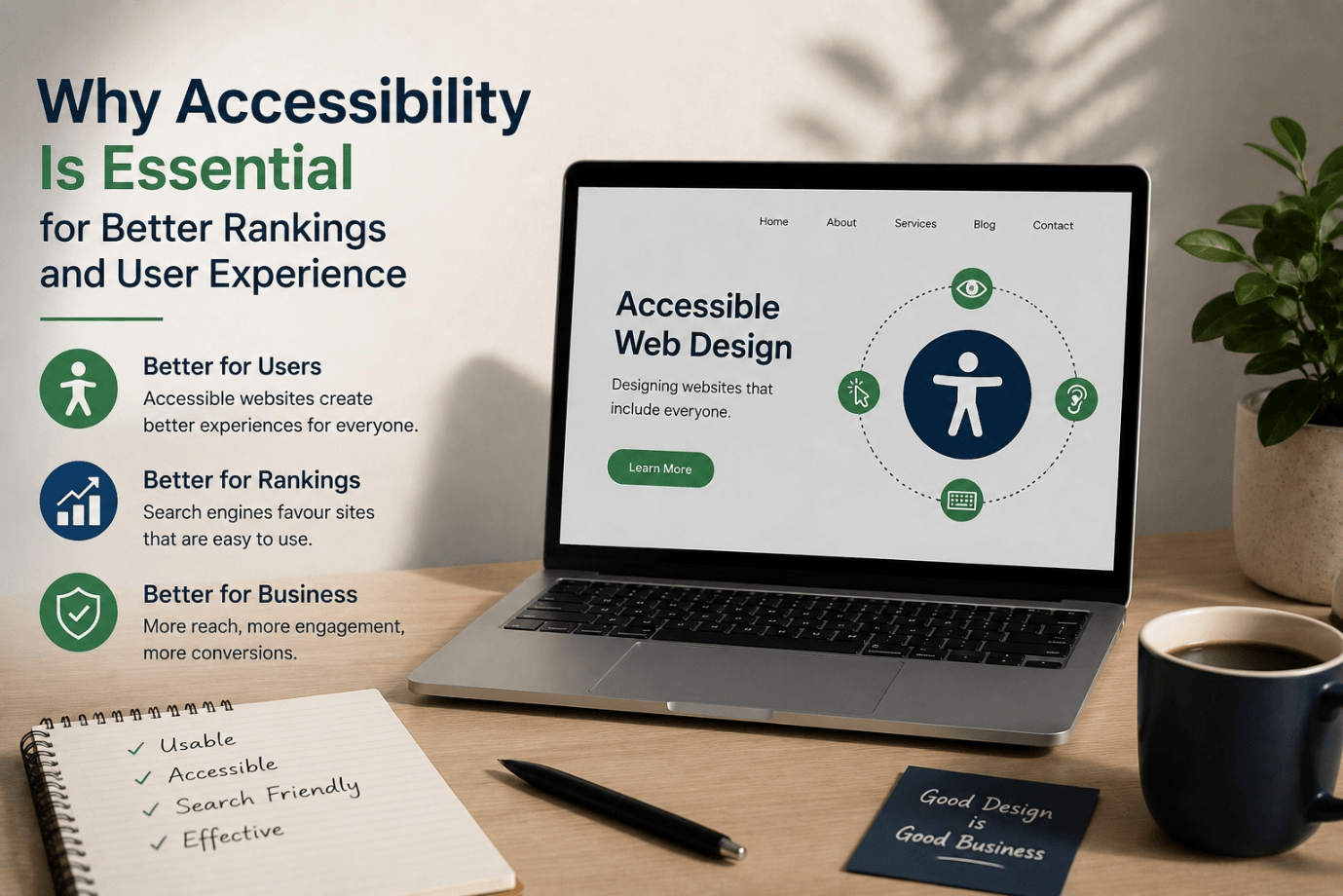
Here’s the part most business owners miss. The same things that make a website difficult to use also make it more difficult to rank on Google. Web accessibility isn’t just a compliance checkbox; it has a real impact on your search rankings and your user experience.
In this post, we’ll unpack what web accessibility really is, why it matters more than ever in 2026, and how accessible web design quietly fuels better SEO. At Vaughan web design company Rank-Higher, we create websites that are inclusive and rankable.
What is Web Accessibility, Exactly?
Web accessibility is the practice of designing your website so it is usable by everyone, including people with visual, hearing, motor or cognitive disabilities. This includes users of screen readers and keyboards, as well as anyone who needs captions or high contrast.
The global rulebook is the Web Content Accessibility Guidelines (WCAG). These guidelines are based on four simple principles. Your content is:
- Perceivable– information and user interface components must be presented to users in ways they can perceive (e.g., text alternatives, captions).
- Functional– it can be used with a keyboard, not just a mouse.
- Easy to understand– the layout and language are clear.
- Strong– works across assistive tools and browsers.
In 2026, Why Accessibility Matters More Than Ever
Almost a quarter of Ontarians have a disability. That’s a huge chunk of potential customers you might be turning away without even knowing it. Every form that’s not accessible, every button that’s not readable, is a lost lead.
There’s a legal angle too. The Accessibility for Ontarians with Disabilities Act (AODA) requires larger organizations to meet WCAG 2.0 Level AA for their public-facing websites. This isn’t legal advice, and rules and deadlines vary by organization size, but the direction is clear: accessible is the new baseline. It’s much cheaper to build it in from the start than to retrofit later. We take this into account for every responsive WordPress build we do.
How SEO and Accessibility Work Together
This is the part where people get surprised. Google and accessibility tools want pretty much the same thing: a clean, well-structured site that’s easy to understand. Make it work for assistive technology, and you’re generally making it work better for search as well.
Semantic Structure is Loved by Search Engines
Headings, lists and landmarks help a screen reader navigate your page — and they help Google understand what your content is about. Good accessibility SEO begins with a clean, logical HTML structure.
Double Duty for Alt Text
Descriptive alt text tells users who are visually impaired what an image contains. It provides search engines with context, helping your images (and pages) rank in Google Image Search. One tiny change, two major wins.
Accessibility Influences Core Web Vitals
Accessible sites are lean, well-coded and fast, which is exactly what Google’s Core Web Vitals measure. Clear structure, optimized media and no clutter mean faster load times and smoother interaction, both ranking factors.
Good Signals from Active Users
People stay longer, click more and bounce less when they can actually use your site. Those engagement patterns tell Google your page is worth showing, and accessibility and user experience design go hand in hand.
How Accessibility Enhances User Experience
The quiet secret of inclusive web design is this: the fixes you make for people with disabilities make the site better for everyone. Captions are helpful for commuters who are watching without sound. High contrast is good for anyone reading in bright sunlight. Keyboard-friendly navigation is a boon for power users.
Plain language, generous spacing and obvious buttons all cut down on frustration for any visitor. More usable website = more enquiries – the same idea we looked at in our post on website design vs conversion optimization.
Simple Tips to Make Your Website More Accessible
- Provide descriptive alt text for all meaningful images.
- Use appropriate heading order (one H1, then H2s, then H3s in sequence).
- Test colour contrast so text is easy to read on its background.
- All functions must be keyboard-compatible (no mouse required).
- Label form fields clearly and show helpful error messages.
- Include captions or transcripts in your videos.
Common Accessibility Pitfalls to Avoid
- Using colour alone to convey meaning (for example, red text without a label).
- Small tap targets and links that are too close on mobile.
- Auto-playing video or audio that begins without a means to stop it.
- Rely on one “accessibility overlay” widget to do it all.
- Treating accessibility as an add-on, not as an integral part of the design.
How Rank-Higher Can Assist
We are a Vaughan-based team that builds fast, inclusive and search-friendly websites from day one. We design for real people, from accessible custom WordPress sites to eCommerce stores with usable checkouts. And since accessibility and search go hand in hand, we complement them with dedicated SEO services in Vaughan and clear, readable content marketing. Want to see the bar we have set for ourselves? Check out our web design portfolio.
Concluding Thoughts
Accessibility isn’t a favour you do for a minority — it’s good business. It expands your reach, boosts your search ranking, enhances user experience and limits your risk. And best of all, those same decisions that bring more people to your site also make it faster and easier for everyone to use.
Ready for your website to work for every visitor? Get a free quote from Rank-Higher or contact our Vaughan web design team, and let’s build a site that ranks higher and is welcoming to all.